

Termbase.io
termbase.io is a fully featured translation solution for enterprises and LSPs, with the focus on leveraging AI & corporate language to produce best quality and human verified results.
Before setting up
Section titled “Before setting up”Before you can connect you need to make sure that:
- You must receive personal Auth-Token from the termbase.io team
Connecting
Section titled “Connecting”- Navigate to apps and search for LanguageWire
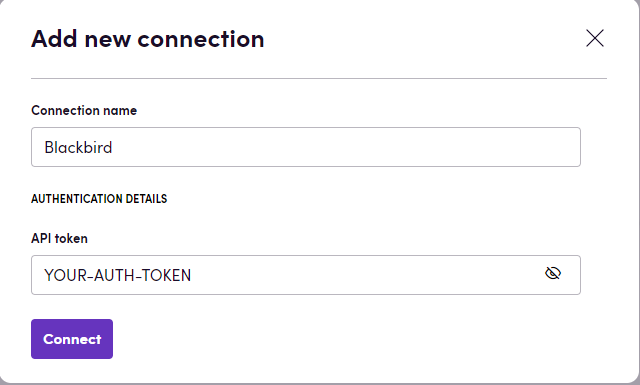
- Click Add Connection
- Name your connection for future reference e.g. ‘termbase.io’
- Fill ‘API token’ field with your Auth token
- Click Connect
Actions
Section titled “Actions”Language actions
Section titled “Language actions”- Get languages - Get all languages
Termbase actions
Section titled “Termbase actions”- Get termbases - Get all termbases
- Get termbase - Get termbase by uuid
- Export termbase - Export termbase in specified format (by default it will be exported in tbx)
Term import actions
Section titled “Term import actions”- Create term import - Create a term import and start it, by default it will be imported in xliff format
- Get term import - Get a term import by uuid
- Delete term import - Delete a term import by uuid
- Export termbase from term import - Download termbase from term import in specified format (by default it will be exported in tbx)
Webhooks
Section titled “Webhooks”- On term created - Triggered when a term is created
- On term updated - Triggered when a term is updated
- On term deleted - Triggered when a term is deleted
- On term import finished - Triggered when a term import is finished
Feedback
Section titled “Feedback”Do you want to use this app or do you have feedback on our implementation? Reach out to us using the established channels or create an issue.